Flutter Ide Linux. In this article we will discuss steps to install flutter software development kit in linux system. To create a new flutter project from the flutter starter app template:
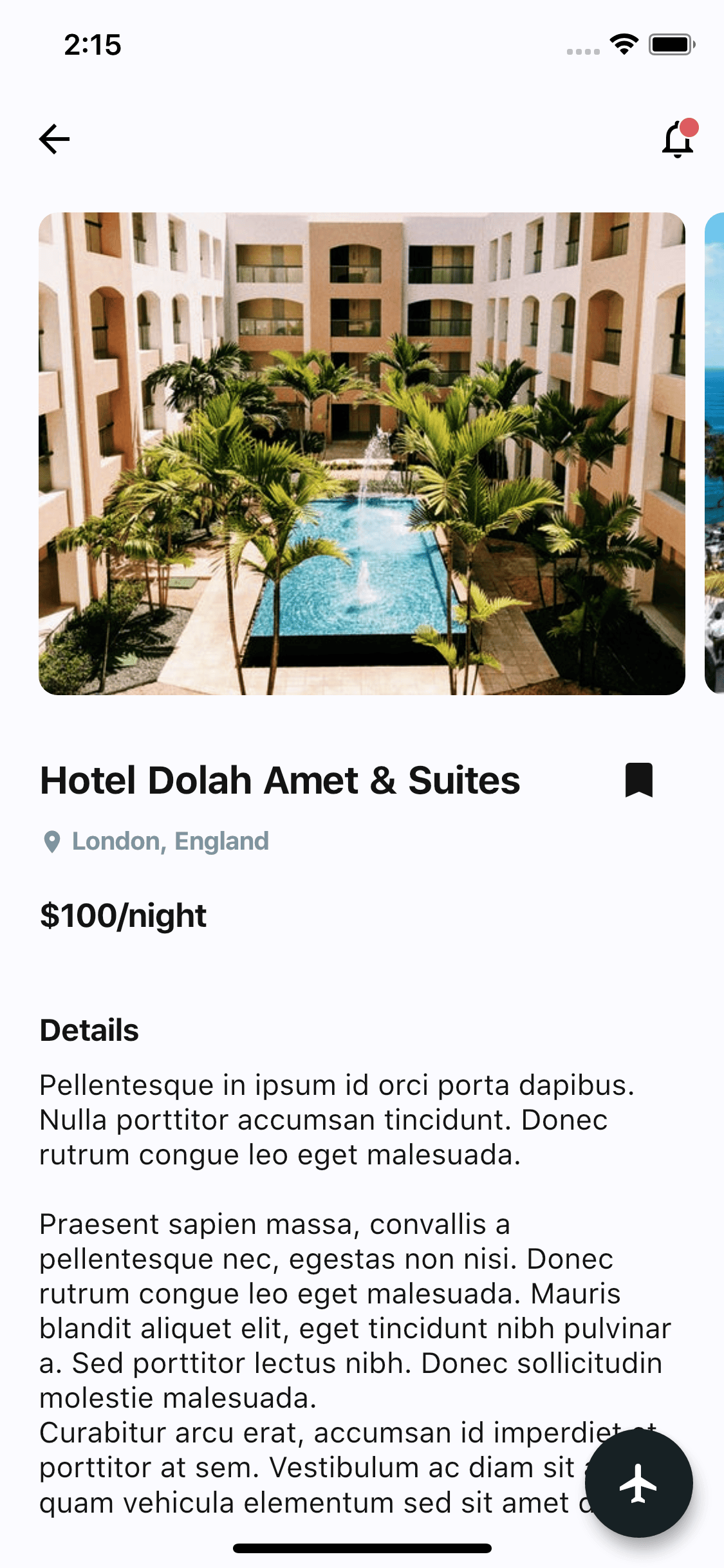
Flutter representation of a Travel App Concept i found in Uplabs from flutterawesome.com
Flutter support for desktop devices means you can scale your mobile app to windows, macos and linux without rewriting from the same single codebase. It can be used directly in our emacs installation for coding. Enter the following command in terminal to install flutter.
Flutter Support For Desktop Devices Means You Can Scale Your Mobile App To Windows, Macos And Linux Without Rewriting From The Same Single Codebase.
On the android studio homescreen, click the plugins link in the left menu. Using a usb cable, plug your phone into your computer. It can be used directly in our emacs installation for coding.
In This Post, I’ll Show You How To Install And Use Flutter On Linux.
Then enable linux desktop support: If you want to start developing with flutter,. To help us make this comparison,.
Extract The Installation Bundle In The Desired.
It provides you code completion, syntax highlighting, widget editing assists, run &. Google uses cookies to deliver its services, to personalize ads, and to. Demikianlah penjelasan tentang flutter ide yang.
I Use Deepin But This Tutorial Can Work With All Distros Maybe Changing Just The Sintax Of Commnads.
Ian hickson's talk about why widgets exist; Learn more about flutter & its benefits in app development. Built on intellij idea, android studio is a complete ide experience for android app development.
Lightweight Than Flutter Desktop For Linux (Not Using X11 And Gtk) Arm64/X64 Devices Support.
Learn to install flutter sdk, environment on windows, macos, and linux environment. It is a lightweight ide that provides support for app development using flutter and dart. Ios, web, windows, macos, and linux in a single codebase.


Comments
Post a Comment